
01
Mobile Web Browser
Open jeetking.online in any modern phone or tablet browser, tap Login, and enter your number and password. This is the route iPhone and iPad users will use.
Your mobile number and password are all you need. From a brand-new device we'll also drop a one-time code over SMS, just to be sure the right person is signing in.
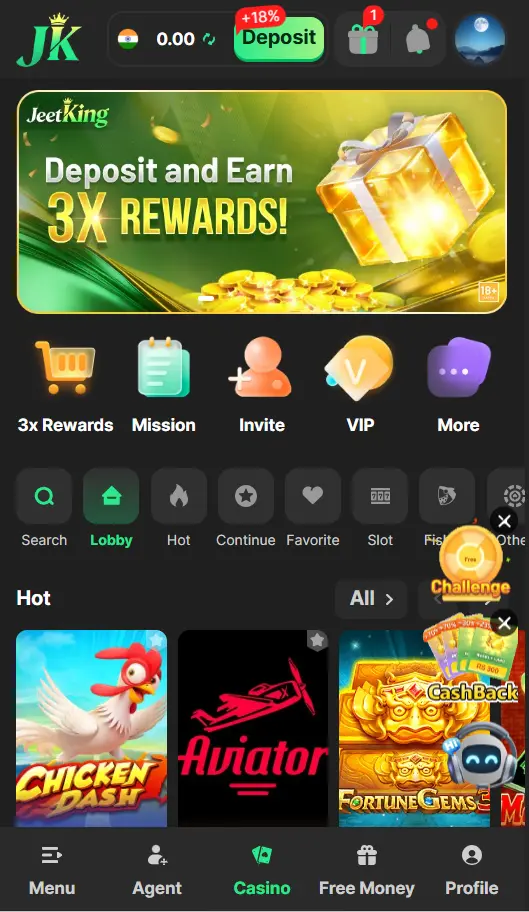
Phone, tablet, laptop, or the dedicated APP — whichever screen is closest, signing back in only takes a few seconds.
Open jeetking.online in any modern phone or tablet browser, tap Login, and enter your number and password. This is the route iPhone and iPad users will use.
Launch the APP and tap Login. Once you're in, switch on fingerprint sign-in inside Settings and future sign-ins are a single touch.
Same login page on a bigger screen. Perfect for long Aviator sessions, immersive live tables and detailed game lobbies that benefit from the extra real estate.
Use the "Forgot password" link near the login button, or message support. A reset OTP arrives on your registered mobile, you set a fresh password, and you're back in — usually within a minute.
Contact SupportOpen a chat with our 24/7 team on WhatsApp or live chat. Once they confirm your identity, the support agent will move your account to your new number while keeping your balance and VIP tier intact.
Live ChatThe right move is fast: change your password right away and message support. The team can put a temporary hold on the account while they trace what happened.
After several failed login attempts, the platform freezes the account for 30 minutes as a safety measure. Either wait it out, or contact support and they'll release the lock once they verify it's really you.
Don't reuse a password from email or social media. Compromise on those leaks JeetKing access too.
If you use the APP, enable biometric sign-in. Faster to log in and harder for anyone else to access.
Real JeetKing staff will never ask for your OTP. Anyone who does is trying to take over your account.
For deposits and withdrawals, use mobile data or trusted home Wi-Fi to avoid network sniffing.
If you sign in on a friend's phone, always sign out before handing it back.
JeetKing sends an alert SMS for every new-device login. If you didn't initiate it, change your password immediately.